1. Airline source systems
Crew, roster, operations, compliance, training, document, and other source systems remain the operational foundation.
Integrations
1. Airline source systems
Crew, roster, operations, compliance, training, document, and other source systems remain the operational foundation.
2. CrewApp operational layer
CrewApp connects available data through APIs, permissions, rules, and workflows.
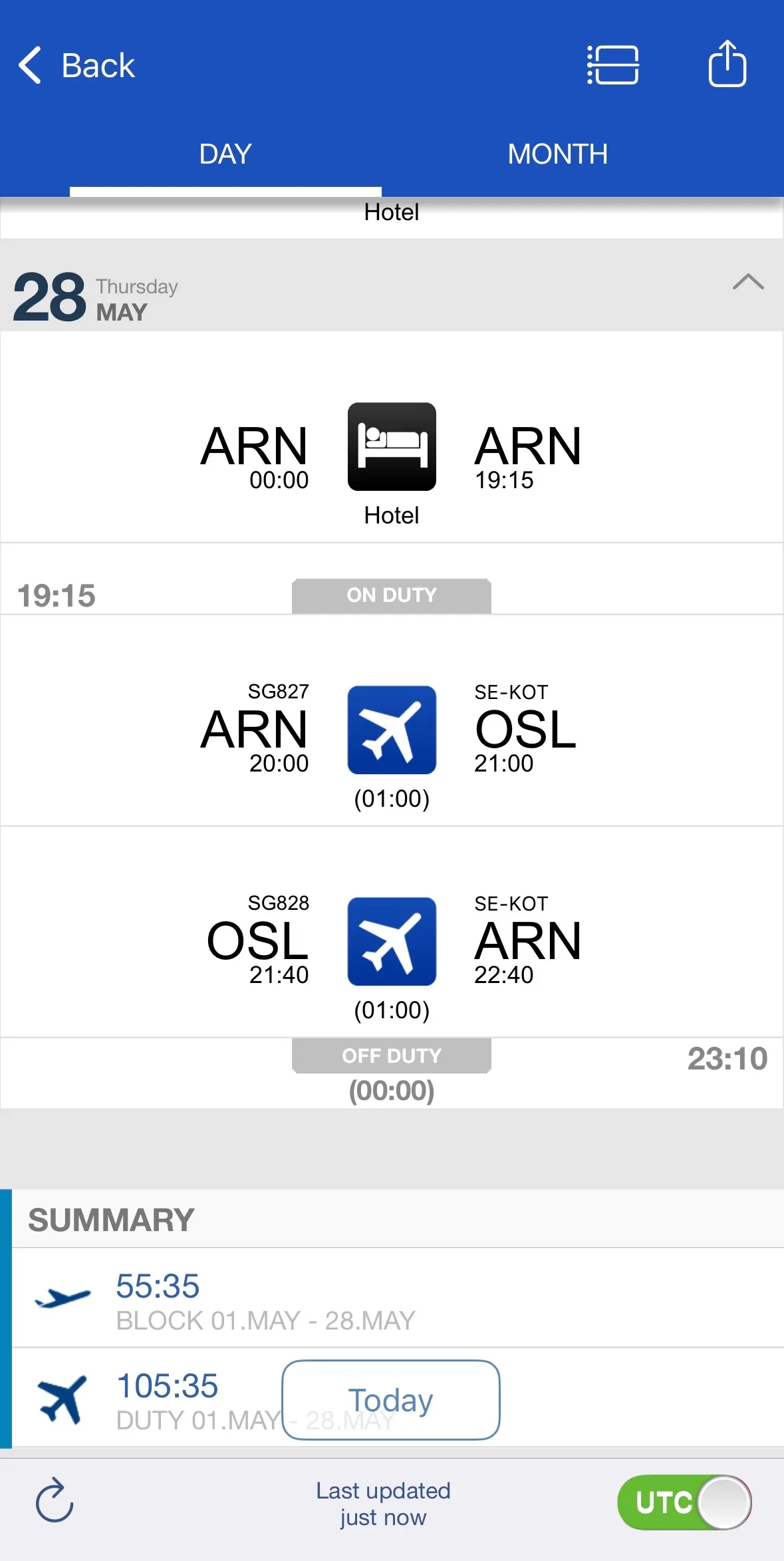
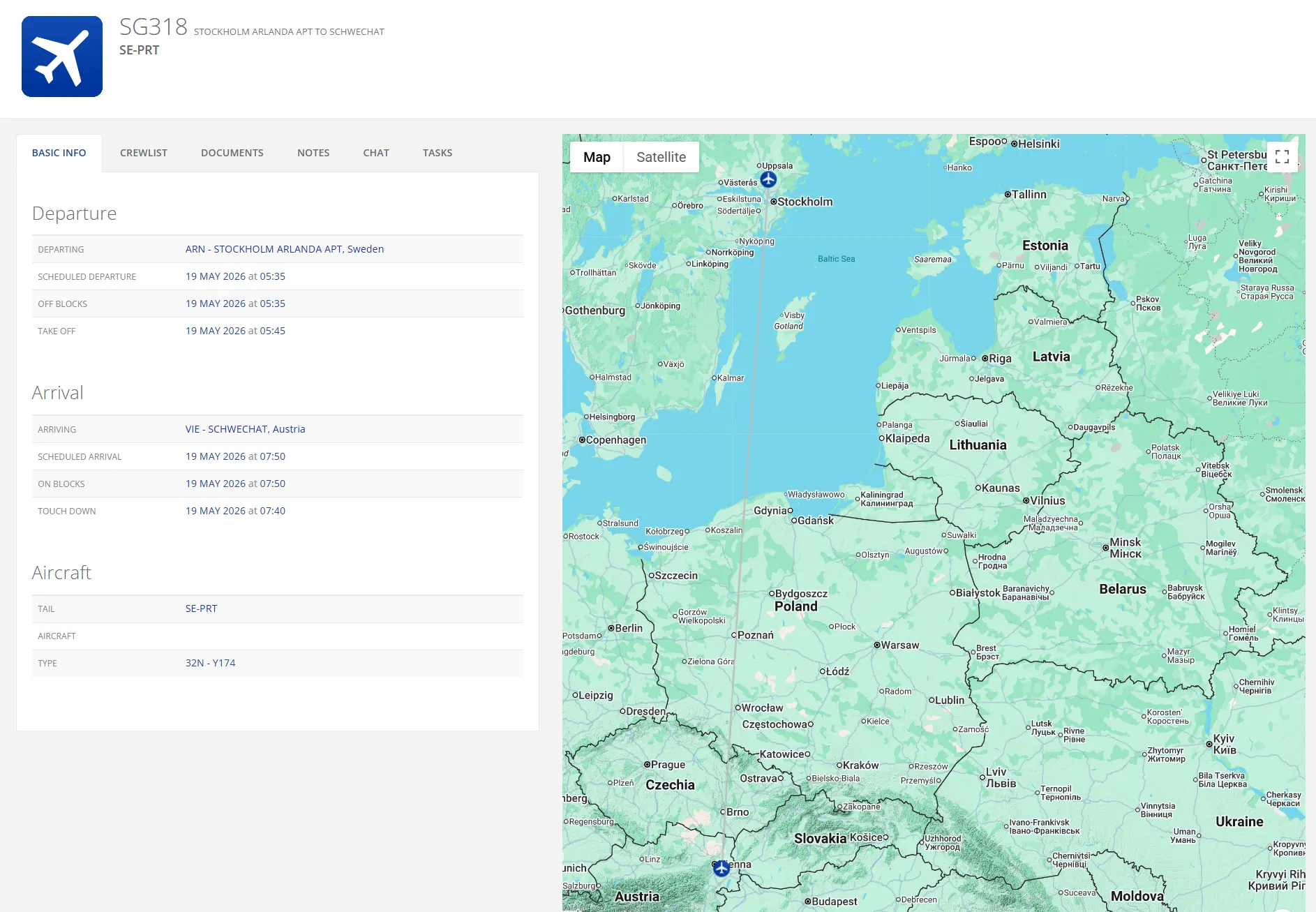
3. Mobile and LIVE views
The right information is surfaced in CrewApp Mobile for teams and in LIVE for operations.
CrewApp connects with airline systems and data sources where API access, permissions, and workflow needs are in place.
 Crew ManagerCrew systems
 SharePointDocuments
 GoPro ForisDocument and case management
 MintTraining data
 TraxMaintenance data
 Skywise / N-OCOperations ecosystem
 Amadeus passenger service systemPassenger data
Exact scope depends on each system's API, available data, permissions, and the airline workflow.

CrewApp and Skywise partnered to offer a native crew mobile app integrated with Skywise's N-Ops & Crew, also known as N-OC.
Read the Airbus article


Begin with the areas where better visibility or communication matters most.
Use API access and available data where the source systems allow it.
Match to your brand, colours, roles, and workflows, so it feels part of the operation from day one.
Book a tailored walkthrough around your airline workflows and systems.

 The sky is the limit.